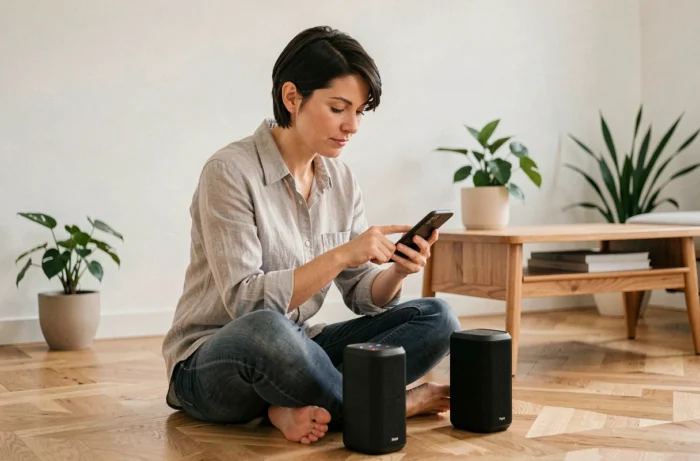
You start a playlist on your Bluetooth speaker, the sound fills the room, then you move to the terrace and the volume drops. Connecting multiple speakers to the same phone remains a puzzle for many users. The classic Bluetooth protocol has long limited broadcasting to one device at a time. Today, several methods allow you to bypass this restriction, but not all are created equal.
Auracast: the game-changing protocol for Bluetooth speakers
Before discussing applications or settings, it’s essential to understand what holds things back. Standard Bluetooth establishes a point-to-point connection: a phone sends sound to a single speaker. To broadcast to multiple devices, additional software layers, often proprietary, were required.
Auracast is a broadcast mode integrated into Bluetooth that allows sending an audio stream to a theoretically unlimited number of compatible receivers. No classic pairing, no proprietary app to install. The speaker picks up the broadcast stream, just like an FM radio picks up a frequency.
Sony, JBL, LG, and Anker (Soundcore) already incorporate Auracast into their new ranges. For example, Sony allows chaining its ULT Tower speakers via Auracast. JBL integrates it into the Pulse 6 alongside its usual modes. LG has added it to its XBOOM Party range.
Among the solutions for connecting multiple Bluetooth speakers, Auracast stands out for its operation without a third-party app. However, this promise of universality has a serious limitation to be aware of before investing.
Auracast compatibility between brands: the limit that guides overlook
Marketing presents Auracast as an open standard. In practice, the reality is more disappointing. Several manufacturers restrict Auracast to their own products.
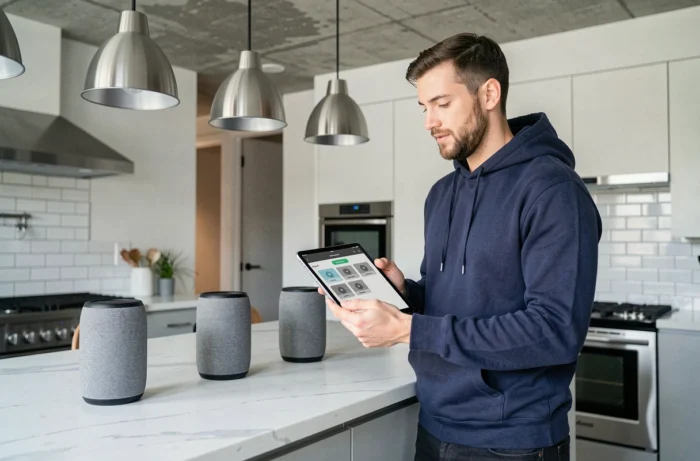
Anker (Soundcore) states that its Auracast speakers do not connect to Auracast devices from other brands. JBL specifies that its new Auracast-compatible speakers cannot be grouped with older PartyBoost models. In other words, if you own a JBL Flip 7 and a Soundcore Boom, the Auracast mode will not link them together.
For a user looking to mix speakers from different brands, this fragmentation is a real barrier. Staying within the same brand ecosystem remains the only guarantee of compatibility for now.
Check compatibility before purchase
Before buying a second speaker, check these points in the technical specifications:
- The explicit mention of “Auracast” or “LE Audio broadcast” in the Bluetooth specifications, not just “Bluetooth 5.3” (the version of the protocol does not guarantee support for Auracast)
- The list of compatible models for group or party mode, often specified on the manufacturer’s website
- Your phone’s compatibility: the transmitting smartphone must also support Auracast broadcasting, which still excludes many models
Samsung Dual Audio and native functions to connect two speakers
Don’t have an Auracast speaker? Samsung Galaxy smartphones include a feature called Dual Audio that allows sending sound to two Bluetooth devices simultaneously. This option is found in the advanced Bluetooth settings.
The operation is simple: you pair two speakers, activate Dual Audio, and the phone streams the same audio to both. The main limitation is the cap of two speakers, with no possibility of adding a third.
On iPhone: Apple audio sharing
Apple offers audio sharing between two compatible devices (AirPods, certain Beats headphones). For speakers, the native method goes through HomePods via AirPlay, which is not Bluetooth per se. No native iOS function manages multiple classic Bluetooth speakers.

Third-party applications: what they can (and cannot) do
Several applications promise to connect Bluetooth speakers from different brands together. Among the most well-known, AmpMe synchronizes music playback between multiple phones and speakers. The principle: each device joins a “session” and plays the same track at the same time.
This type of application does not create a true multi-speaker Bluetooth connection. It synchronizes software playback. A direct consequence: a slight audio delay between the speakers is common, especially if the devices are from different brands or generations.
Bluetooth transmitters: beware of marketing
Bluetooth transmitters marketed as “multipoint” create confusion. Most of these devices manage multiple sources (a phone and a computer connected to the same transmitter), but not multiple simultaneous outputs. In other words, they allow switching between two transmitting devices, not broadcasting to two speakers at the same time.
The few transmitters capable of managing two simultaneous outputs do exist, but you must explicitly check for this function in the product sheet. Look for the mention “dual link” or “two devices output” to avoid unpleasant surprises.
Choosing the right method based on your equipment
The choice depends on what you already own and what you expect.
- Two recent speakers from the same brand (JBL, Sony, Soundcore, LG): use the manufacturer’s proprietary mode (PartyBoost, ULT, mono-brand Auracast), it’s the most reliable method with no delay
- A Samsung smartphone and two random Bluetooth speakers: Dual Audio works without an app, limited to two speakers
- Speakers from different brands with no common compatibility: an app like AmpMe remains the only option, accepting possible delay
- A need to broadcast to more than four speakers: Auracast is the only viable option in the long term, provided you renew all the equipment (speakers and phone)
The promise of a universal standard for connecting multiple Bluetooth speakers has not yet been fulfilled. Auracast lays the groundwork, but fragmentation among manufacturers hinders its actual adoption. The safest reflex remains to choose speakers from the same range from the same manufacturer, even if it means sacrificing equipment diversity.