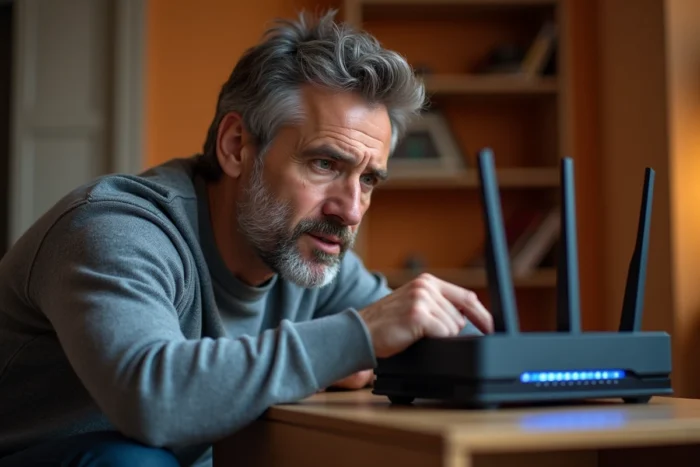
The error code S01-06 on an Orange TV decoder indicates a communication breakdown between the decoder and the Livebox. Before touching any cables, we recommend checking whether the problem is local or related to a reported Orange network outage in your area.
Orange network diagnosis before any local manipulation
Most guides on the S01-06 immediately direct users to check the connections. This approach wastes time when the problem lies upstream, on the Orange infrastructure itself.
Check the status of Orange services in your area before unplugging anything. The Orange and me app displays ongoing incidents on your line (DSL, FTTH, scheduled maintenance). If a regional outage is reported, no local adjustments will permanently fix the S01-06.
We find that this reflex avoids unnecessary manipulations in a significant number of cases. When a fiber intervention or a DSL incident is ongoing, it is sufficient to wait for Orange to resolve it. You can also check the service status page to confirm that the signal is being properly distributed to your Livebox. Meanwhile, it may be helpful to resolve the S01-06 error on Planet X Tech to cross-check diagnostic avenues.

Difference between restarting and fully resetting the Livebox
Restarting the Livebox (turning it off and then on) does not clear the internal network settings. The TV decoder retains the same configuration, including any DHCP table or IP lease corruptions that cause the S01-06.
A full reset recreates the entire local network configuration. On a Livebox 5, the procedure involves pressing the reset button until all indicators blink. The administration interface (accessible via 192.168.1.1) also allows you to initiate this reset from the advanced settings tab.
After resetting, the Livebox goes through its complete initialization phase again. The TV decoder should only be turned on once the Livebox shows a steady Internet light. Turning on the decoder too early will cause exactly the same S01-06, as the Livebox has not yet restored its TV services.
Order of powering on after reset
- Plug in and turn on the Livebox alone, then wait for the Internet light to become steady (several minutes depending on the line)
- Then plug in the TV decoder and let it synchronize with the Livebox before launching a program
- If you are using powerline adapters or Liveplug, reconnect them after the Livebox but before the decoder, so that the pair can resynchronize on the new network
Wired Ethernet connection and S01-06 error on Livebox 4, 5, and 6
Wi-Fi remains the primary cause of S01-06 on installations where the decoder is not wired via Ethernet. The video bandwidth required for the Orange TV stream does not handle interference well, especially in dense environments (apartments, neighboring boxes on the same channel).
An Ethernet cable between the Livebox and the decoder eliminates the Wi-Fi variable. On a Livebox 4 or 5, the yellow Ethernet port (port 4) is dedicated to the TV decoder. Connecting it to another port may work, but Orange recommends this specific port for TV service quality.
If the distance between the Livebox and the decoder prevents direct cabling, powerline adapters remain a more reliable alternative than Wi-Fi for the TV stream. However, powerline adapters are sensitive to power strips and extension cords: they must be plugged directly into a wall outlet, without intermediaries.
Points to check on the cabling
A damaged Ethernet cable or one that is too old (unshielded Cat 5) can cause invisible micro-cuts during regular internet use, but sufficient to trigger the S01-06 on the TV stream. Replacing the cable with a Cat 5e or Cat 6 sometimes resolves the issue without further intervention.
Also check the condition of the RJ45 connector on the decoder side: a broken clip can cause an intermittent false contact. The Ethernet light on the decoder should remain steady. If it flashes erratically, the physical link is unstable.
Persistent Orange TV decoder failure after all checks
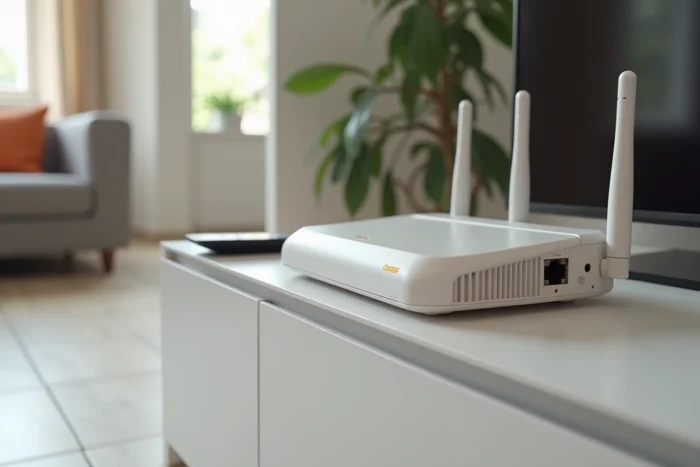
If the S01-06 persists after checking the Orange network, fully resetting the Livebox, direct Ethernet cabling, and replacing the cable, the problem is likely hardware-related.
A faulty decoder can display the S01-06 even with a perfectly functional network connection. The most reliable diagnosis is to test another decoder on the same installation or to connect the suspected decoder at a neighbor’s place equipped with Orange.
- Access the Livebox interface (192.168.1.1) and check that the decoder appears in the list of devices connected to the local network
- If the decoder is visible but the S01-06 persists, the problem lies in the TV application layer and not in the network connection
- If the decoder does not appear at all, the internal network card of the decoder is likely faulty
In this last case, only the Orange technical service can proceed with a hardware exchange. Diagnosis via the Orange and me app or by phone can trigger the sending of a new decoder without a technician’s visit if the hardware failure is confirmed remotely.
The S01-06 is not a complex software error: it is an indicator of a missing network link between two devices. By addressing the problem layer by layer (operator network, then Livebox, then physical link, then decoder), the cause can be quickly located without multiplying unnecessary manipulations.